
Pruneapple
A beautiful, open-source, and privacy-first disk space analyzer built natively for macOS.
Getting a "Developer cannot be verified" warning?
Because Pruneapple is distributed outside the Mac App Store, macOS blocks it on first launch.
This manual authorization is only required once on the very first launch.
| Name | Type | Size |
|---|
Hover over any segment on the disk map to inspect files and directories.
Apple Intelligence Recommendations
On-device AI analysis of top files larger than 50MB.
Why Pruneapple?
Visualizing disk usage beautifully, natively, and privately.
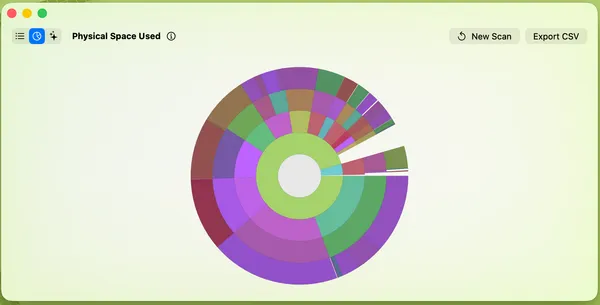
Visual Sunburst Map
Scan your folders and view nested directories as concentric rings. Hover to see sizes, and click to reveal items straight in Finder.
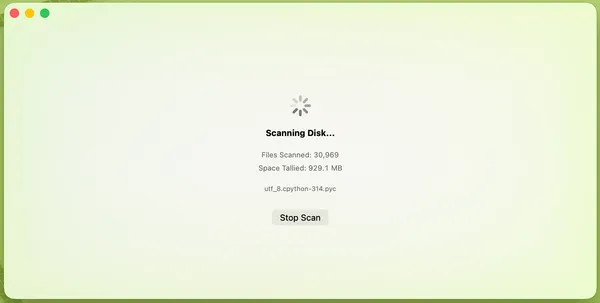
Liquid Glass UI
Natively designed for macOS with modern translucent backgrounds, fluid window sizing, and responsive hover transitions.
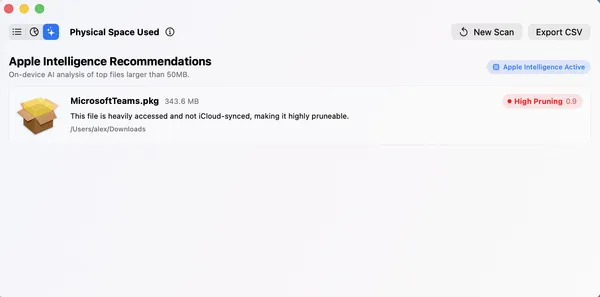
AI Smart Pruning
Employs local, on-device Apple Intelligence heuristics to automatically analyze and suggest large candidate files for pruning without compromising your privacy.
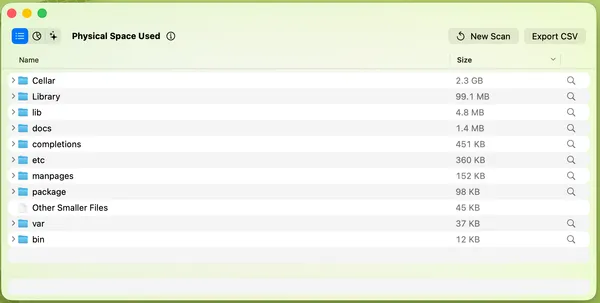
Private & Zero-Delete
Runs entirely offline with zero tracking or telemetry. It is read-only and never deletes files itself. Deletions are handled safely by you in macOS Finder.
Support active development
Pruneapple is open-source and free to build from source. If you would like to help support future releases, development, and server costs, please consider donating!
Get in touch
Have any questions, feedback, or feature requests? Get in touch directly to report issues, contribute, or learn more about the developer.